

Alright, folks! As a supplier of Car GPS Tracker, I've seen all sorts of questions from customers about how easy or hard it is to use these things. So, let's dive right into the learning curve for using a Car GPS Tracker.
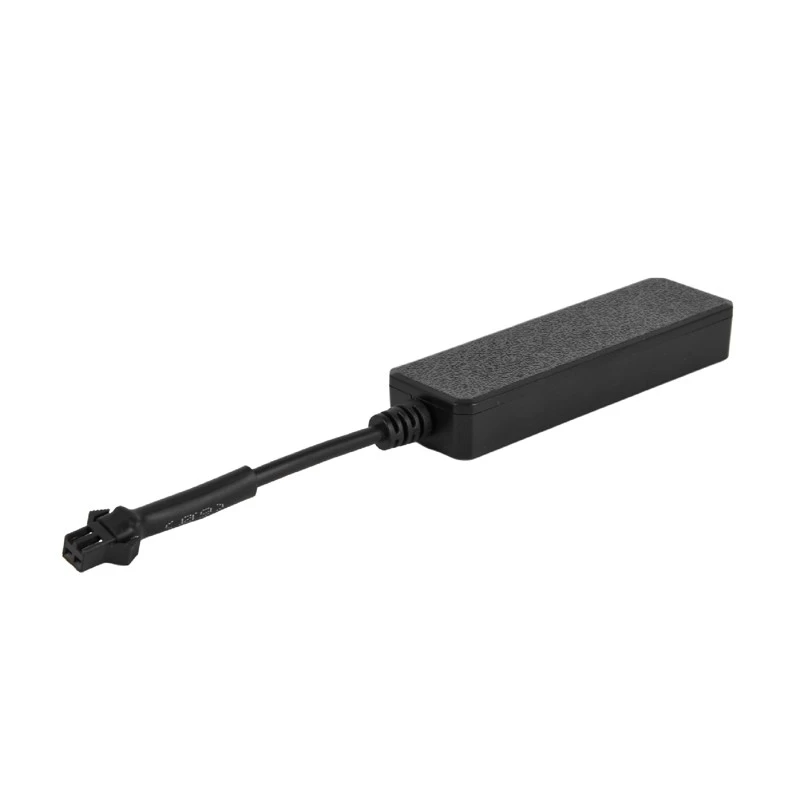
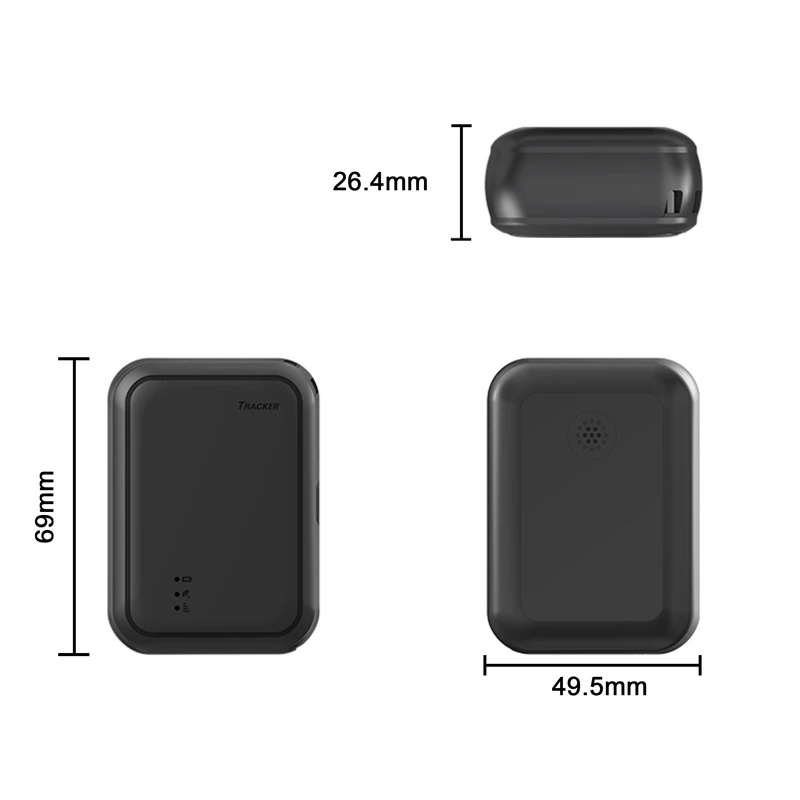
First off, what's a Car GPS Tracker anyway? In a nutshell, it's a nifty device that uses the Global Positioning System (GPS) to figure out where your vehicle is at any given time. It can track your car's location, speed, and even the routes it takes. We offer all sorts of these trackers, like Special Vehicle Fleet GPS Tracker, Truck GPS Tracker, and 4G OBD GPS Tracker. Each one's got its own features, but the basic idea is the same: keeping tabs on your vehicle.
Now, let's talk about the learning curve. For most people, the very first step is unboxing the tracker and getting it installed. Installation can vary a bit depending on the type of tracker. If you're dealing with a 4G OBD GPS Tracker, it's usually a breeze. You just plug it into the OBD-II port in your car, which is usually under the dashboard. It's like plugging in your phone charger – super simple. Even if you're not tech-savvy, you can probably manage this on your own.
But if you've got a tracker that needs to be hard-wired into your car's electrical system, like some of our Special Vehicle Fleet GPS Tracker, then it might be a bit more complicated. You'll need to know a thing or two about wiring, and you might want to get a professional to do it. It's not impossible for a DIYer, but there's a bit of a learning curve here, especially if you've never messed with car electronics before.
Once the tracker's installed, the next step is getting it set up. This involves creating an account on the tracking platform, which is usually a website or a mobile app. You'll need to enter some basic information about your vehicle and the tracker. It's not rocket science, but it can be a bit confusing if you're not used to dealing with online accounts. There might be terms like "activation code" or "device ID" that you're not familiar with. But don't worry, most of our trackers come with detailed instructions, and our support team is always there to help you out if you get stuck.
After the setup, it's time to start using the tracker. The learning curve here depends a lot on how tech-savvy you are and how much you want to use the tracker's features. The basic function of tracking your vehicle's location is pretty straightforward. You log in to the platform, and there's usually a map that shows your car's position. You can zoom in and out, and sometimes you can even see the direction your car is moving. It's like playing a simple game on your phone.
But if you want to use more advanced features, like setting up geofences or getting detailed reports on your vehicle's driving habits, then there's a steeper learning curve. A geofence is basically an imaginary boundary that you set up on the map. You can get alerts if your vehicle crosses this boundary. Setting up a geofence involves using the map tools on the tracking platform, which might take a little bit of time to figure out. And getting detailed reports usually means navigating through different menus and options on the platform.
Now, let's talk about the time it takes to master the Car GPS Tracker. For someone who's pretty good with technology, they might be able to get the hang of the basic functions in just a few hours. They can install the tracker, set it up, and start tracking their vehicle's location without much hassle. But for someone who's not as tech-savvy, it might take a couple of days or even a week to feel comfortable with all the features. And that's totally okay! Everyone learns at their own pace.
One thing that can really help with the learning curve is the quality of the tracker's user interface. Our Vehicle GPS Tracking Device is designed with a user-friendly interface. The buttons are big, the menus are easy to navigate, and the instructions are clear. This makes it a lot easier for people to learn how to use the tracker, even if they're not very tech-savvy.
Another thing that can help is the support that you get from the supplier. As a Car GPS Tracker supplier, we offer a lot of support to our customers. We have a detailed FAQ section on our website that answers a lot of common questions. We also have a support team that you can contact if you have any problems. Whether it's an issue with installation, setup, or using the features, our team is there to help you out.
In conclusion, the learning curve for using a Car GPS Tracker can vary depending on a few factors. The type of tracker, your level of tech-savviness, and the quality of the user interface and support all play a role. But overall, it's not as hard as it might seem. With a little bit of time and effort, you can master the basics of using a Car GPS Tracker and start enjoying all the benefits that it offers.
If you're thinking about getting a Car GPS Tracker for your vehicle or your fleet, we'd love to talk to you. Whether you've got questions about the learning curve or you're ready to make a purchase, we're here to help. Just reach out, and let's have a chat about how our Car GPS Tracker can meet your needs.
References
- General knowledge about GPS trackers and automotive technology.
- Experience from dealing with customers as a Car GPS Tracker supplier.